top of page
Planning.
My task / brief analyse.
My task is to work collaboratively on a podcast. We will be working on 2 different podcast that will be 10 minutes long. also we will need to use multiple cameras and edit it live on the trycaster.
some of the things that will need to be made are Running order so that we know what is coming up, Floor plan so that we know what to place in the studo and where, camera plan so we know where to put the camera, Kit inventory so that we know what kit to use, Camera script so we know when to move the cameras, timed autocue script so that the presenter knows what to say.
The things I will be making for this project will be back grounds to green screen out using the trycaster and make a VT about roller coasters.
When in comes to filming am set to work as the vision mixer for the first episode and camera operator for the second episode.
My parts.
The virtual studio.
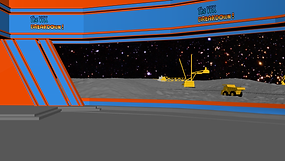
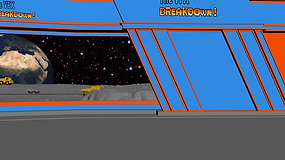
To make the virtual studio I started in 3DS max to make a test studio, I then took the back grounds to the tricaster for the test recoding. when we where using the tricaster we found a problem, the tricaster would only let us use 2 of the 3 back grounds and we had 3 cameras. because it was a test and not the real thing we could made changes.
.png)
.png)
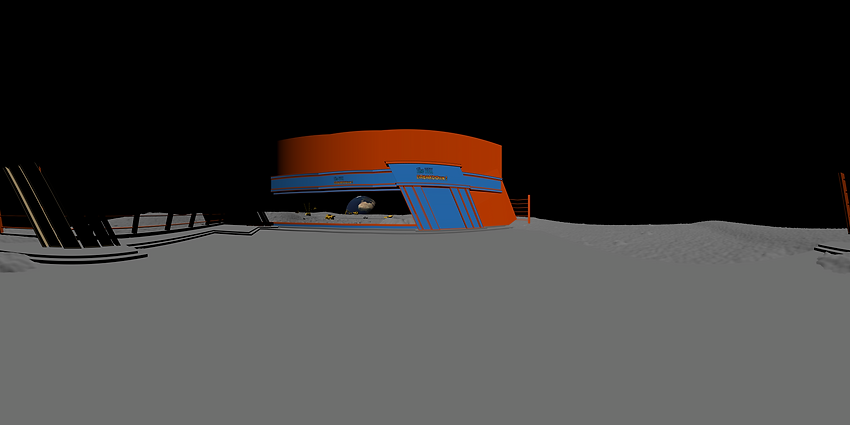
After the first test we tried to use a 3D virtual studio that was built in to the tricaster the only problem was that nobody knows how to put a custom made virtual studio in to the tricaster from a 3D model. I started by reverse engineering a studio that Simon had made and found that i need to make a panoramic photo. I tried to make a panoramic photo using 3Ds max.
.png)
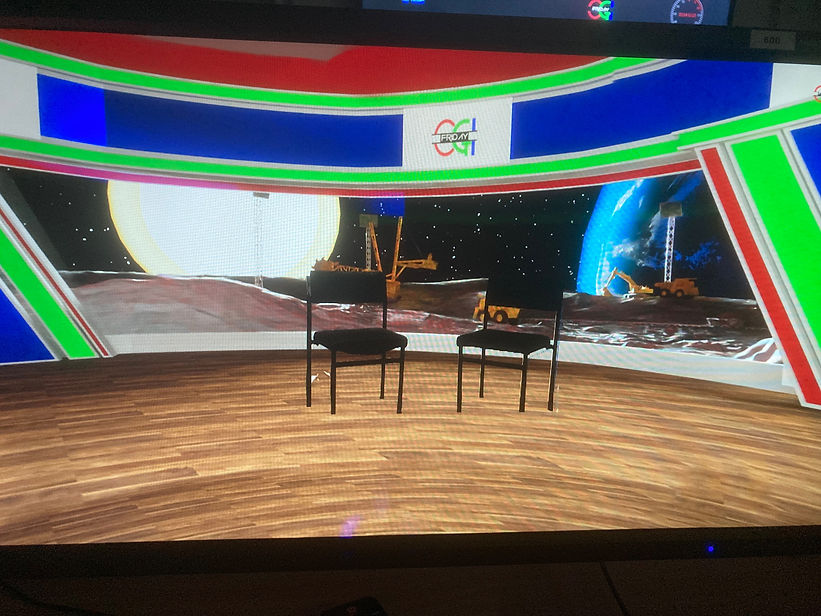
The panoramic photo I made using 3Ds max did not work, I also tried saving it as a photo shop file but that did not work. After this I looked into a different way of making a panoramic photo the tricaster would use as a virtual studio, I learned that there is a way to make a panoramic photo using photo shop all I needed to to was render an image then rotate the 3D camera by 20 degrees and render a new image, I could then take all the images into photo shop and use the photo merge tool to make a panoramic photo.
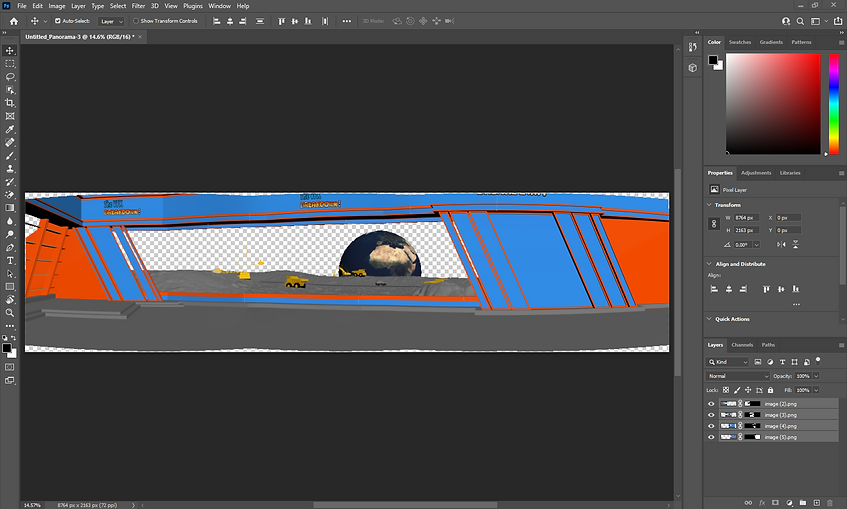
After reverse engineering a prototype and getting it working on the tricaster it was time to work on the virtual studio that we would be using, after a meeting where we decided what to do for a virtual studio it was decided that we would keep using the prototype virtual studio but improve it to make it better. The main improves that I made was new colour scheme to go with the final logo and a new floor texture. After that I sent the model to Jon who used blender to make some improves, some of the improve where adding a glass window, the space backgrounds and the lighting.
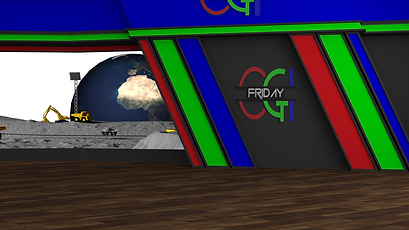
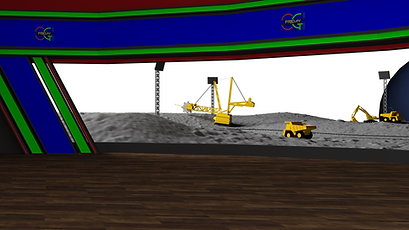
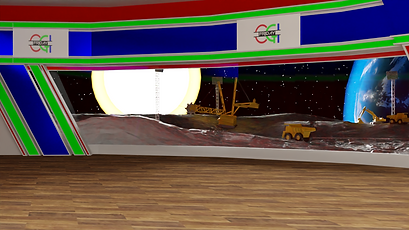
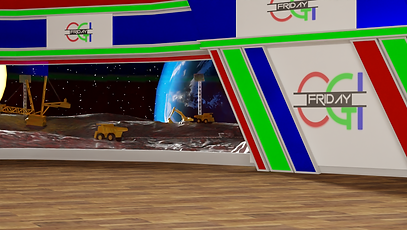
Over all I put a lot of work into getting this to work and I think that the final out come is amazing.
My VT.
My VT is about how VR is used on roller coasters, the roller coasters a chose to make my VT on is Galactica at Alton towers. It was very simple because a spent most of my time working on the virtual studio. For my VT I used clips from an on ride POV, a TV news interviews, a recoding of the VR part of the ride and some clips of the ride trains going around the track.
For the background music I used the Galactica soundtrack.
From group feedback I got I needed to lower the volume of the background music so that you could hear wat was being said better.
Vision mixing.
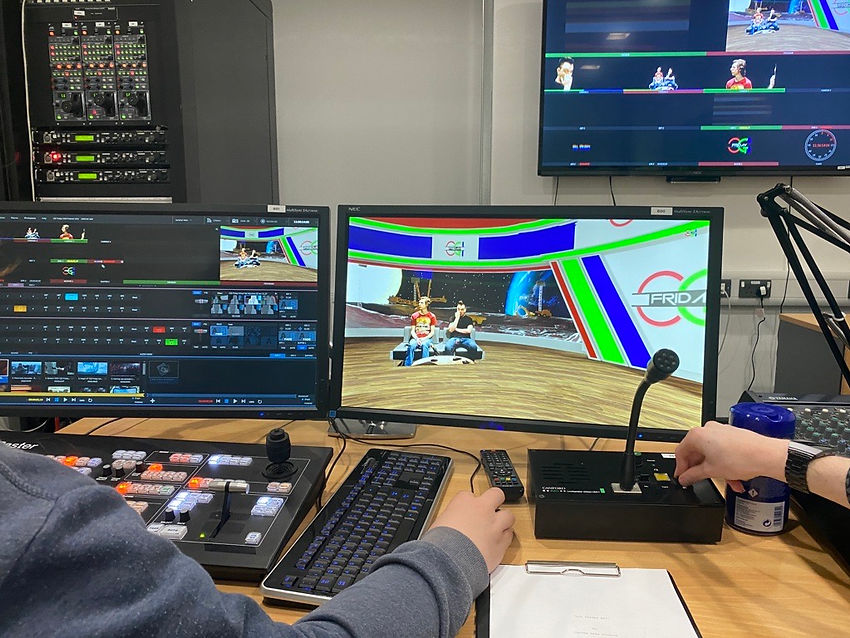
When it came to vision mixing the best thing I could do was learn what each button dose and just practise changing camera and playing VTs as well as do full test runs to get the timing correct.
.png)
The over parts
Here is the the risk assessment.
Here is the opening, end credits, coming ups and over VTs.
here are the resource used for episode 1.
here are the resource used for episode 2.
bottom of page